Engine: Unity
Role: Developer
Released: Apr 23, 2021
Platform:

My Contribution at a Glance
- Designed and developed a custom Unity Editor tool to convert images into playable levels.
- Built a color-to-prefab mapping system that lets designers generate levels in a single click.
- Created an extensible architecture so teams can define their own palettes and generation rules.
- Optimized the workflow to drastically reduce time spent recreating level concepts inside Unity.
- Published and maintained the tool on the Unity Asset Store.
Description
Color 2 Prefab is a Unity Editor tool that converts pixel art or layout images into fully populated scenes. Each color in the source image is mapped to a prefab, allowing designers to build or tweak levels in an image editor and then generate the corresponding geometry and objects inside Unity in seconds.
I originally created this tool while working on Save the Purple Frog. I needed to sketch level layouts quickly and then reproduce them in Unity, but the manual process was slow and repetitive. With Color 2 Prefab, I could paint a level as an image and instantly turn it into a playable scene, dramatically accelerating iteration.

Main Features
- Reads image data (PNGs/JPGs) and maps each pixel color to a corresponding prefab.
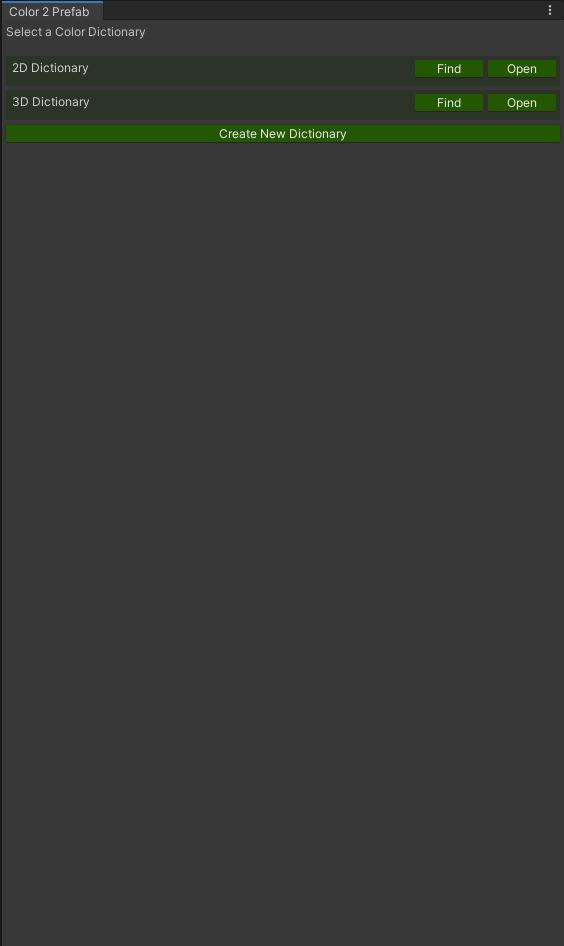
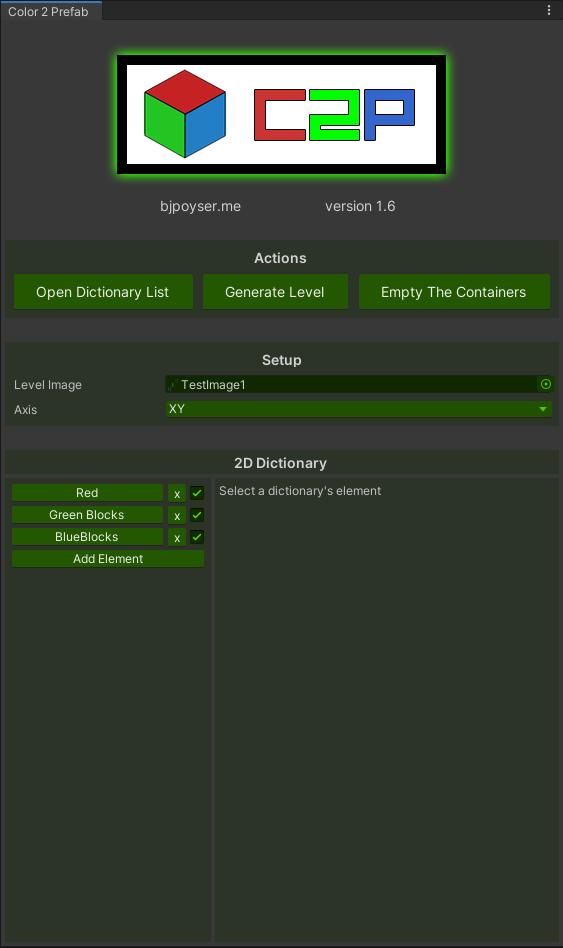
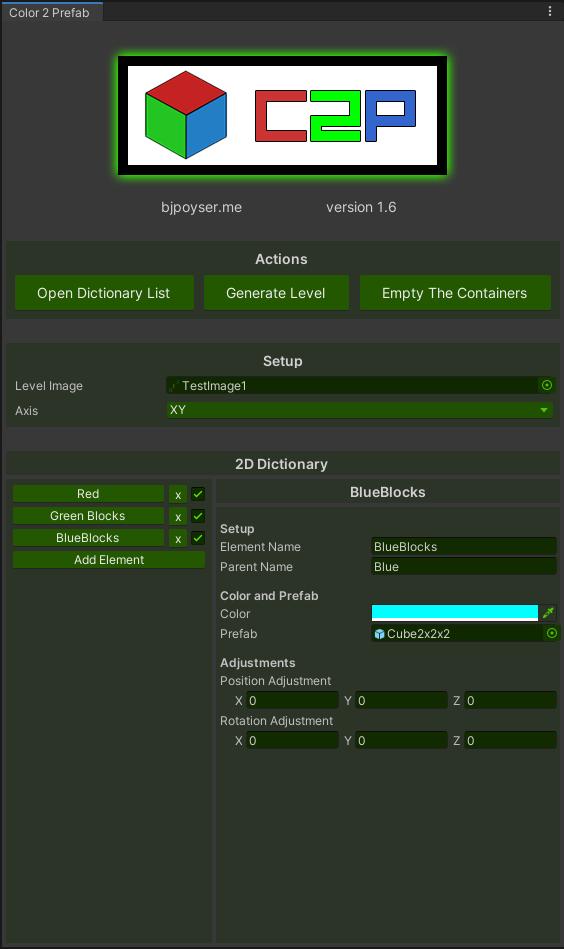
- Lets users define custom color-prefab dictionaries through an Editor UI.
- Generates complete levels directly in the Unity Editor with a single button press.
- Supports regenerating sections, enabling quick iteration on specific areas of a level.
- Includes options to control spawn height, offset, parent objects, and layer/organization rules.
- Designed to be project-agnostic: works for platformers, puzzle games, top-down layouts, and more.
Technical Details
- Implemented as a custom Unity Editor Window using IMGUI.
- Uses
Texture2DAPIs to read pixel data and translate it into world/grid positions. - Spawns prefabs with configurable scaling and rotation rules.
- Supports extensibility: additional rules or mappings can be registered via scriptable assets or code.
- Focused on clear UX for designers, with tooltips, warnings, and simple setup flows.
Gallery